Answer the recurring questions
Use your website, FAQs and documents to explain your services. Test the answers and update the information yourself.
Your AI assistant answers visitors with your business information, collects their details and helps them arrange an appointment or reach your team.

Can I speak to someone about a quote?
Of course. What would you like help with?
I need help next week. Could you call me tomorrow?
What name and phone number should I pass to the team?
Your business knowledge
Answers based on the information you provide.
A place on your website
Choose the appearance and add a short snippet.
Your team in control
Review conversations and take over when needed.
A useful chat goes beyond a quick answer. Decide what your assistant should ask, which actions it can take and when a colleague should step in.
Try it with your businessStart with the work your customers ask about every day. Add the connections and handoff that fit your business.
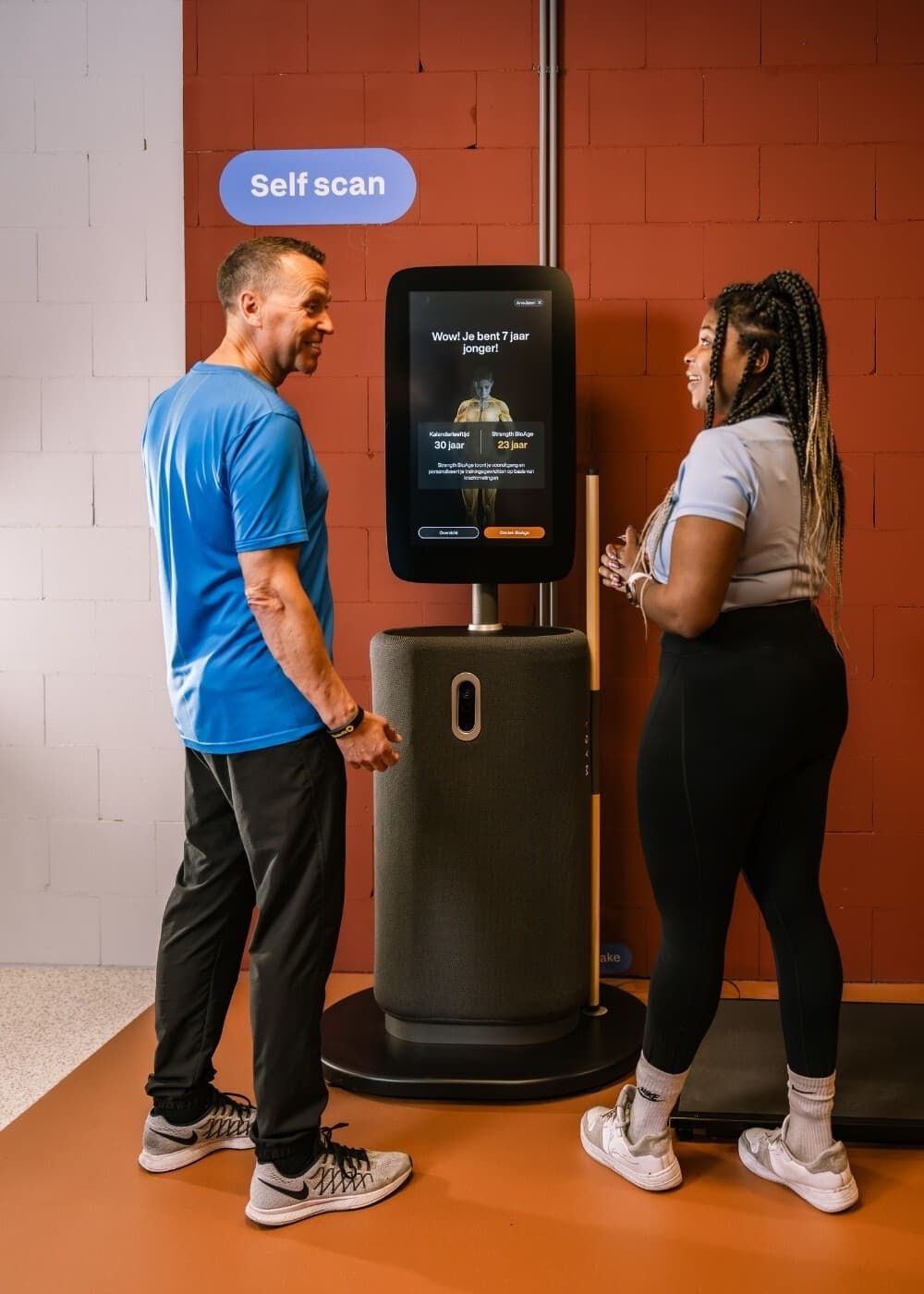
Circle Fit uses its AI phone assistant for phone enquiries, connected to its membership administration. The published story shows how company information and a custom connection help the assistant answer practical customer questions.
For your website chat assistant, start with the same principle: the right information, a defined action and a clear route to your team.
Read the phone-service caseCheck the answers and the handoff before your customers use it. You can keep adjusting your assistant as your business changes.
Create your assistantStart with your website, then add the details and questions that matter to your customers.
Try common questions, a new enquiry and a request for a colleague. Adjust the answers and handoff rules.
Choose its appearance and add the supplied snippet to your website. Follow the conversations in your dashboard.
Every plan includes your messaging channels and standard calendar connections. Growth and Scale add CRM updates and your own webhooks.
See plans and billing€119/ month
Billed annually, excluding VATControl access to conversations and decide what information your assistant needs. Review your privacy information before collecting customer details.